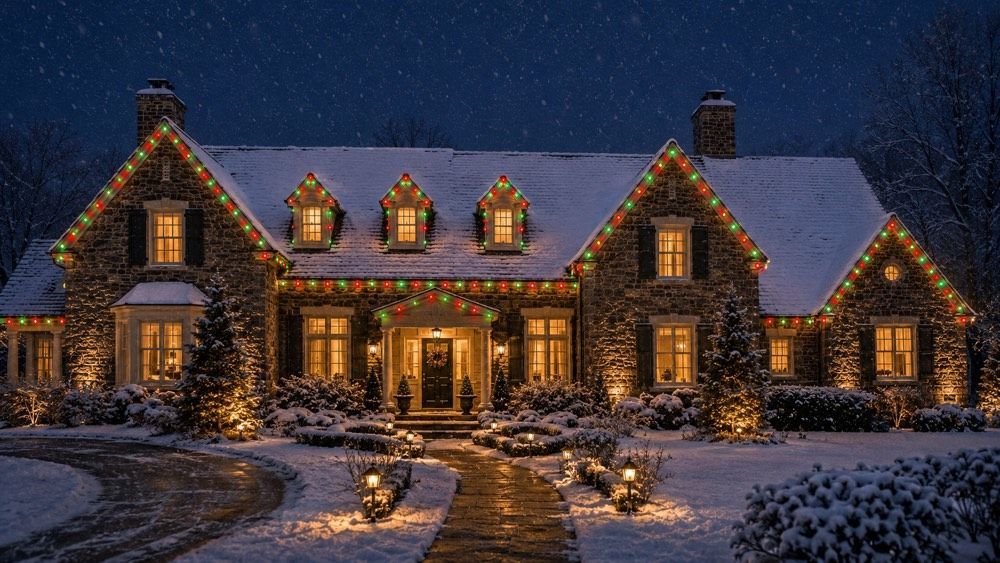
Smart Home Integration: Controlling Your Permanent Outdoor Lighting via Apps and Voice
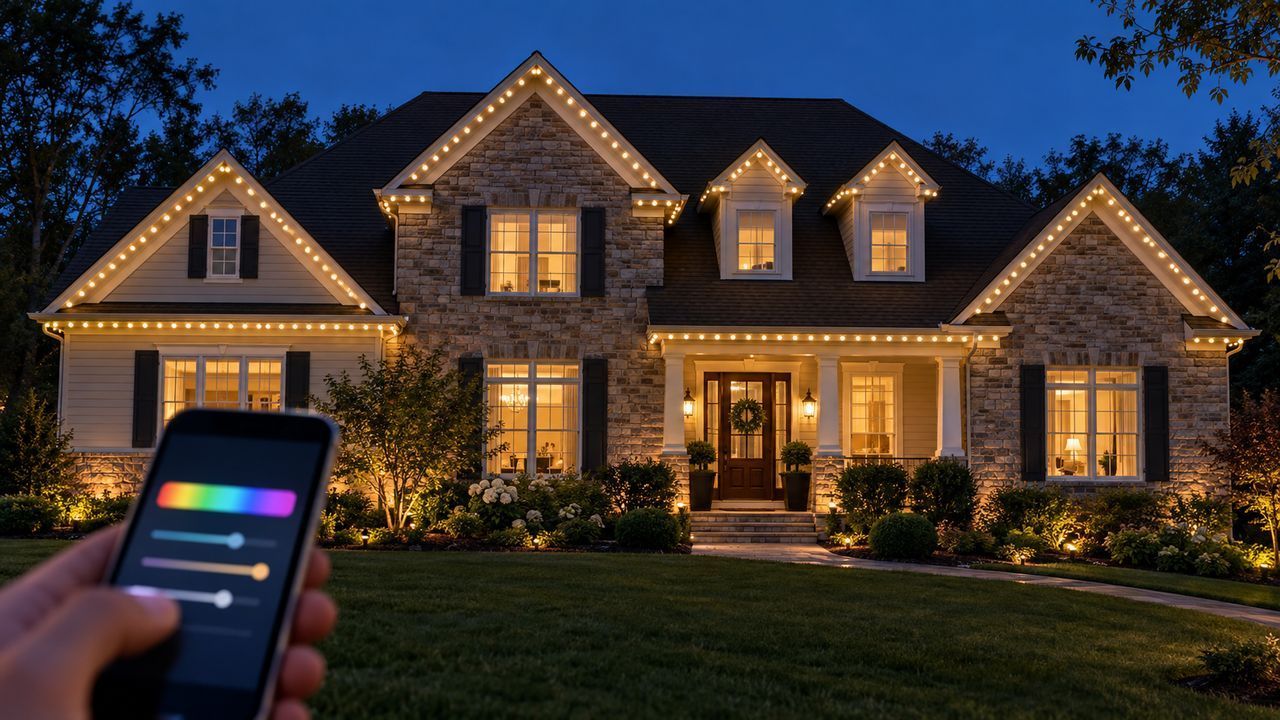
Smart home outdoor lighting integration lets you run your permanent roofline system from a phone app or a voice assistant instead of a switch. You pick colors, build saved scenes, set schedules that follow sunset, and adjust brightness — from the driveway or from another state. The lighting becomes something you configure once and then simply use.
That control layer is the real difference between permanent roofline lighting and the strands people staple up every December. A fixed string of white bulbs does one thing. A connected system does a different thing every night of the year without anyone touching the house. This guide covers what the app actually does, how voice control fits in, what happens when the internet drops, and how the lighting behaves alongside the rest of a connected home.
What Smart Integration Actually Means for Roofline Lighting
Smart integration means every LED point on your roofline is individually addressable and reachable over your home network, so software — not wiring — decides what each bulb does. That is what makes one installed system capable of hundreds of different looks.
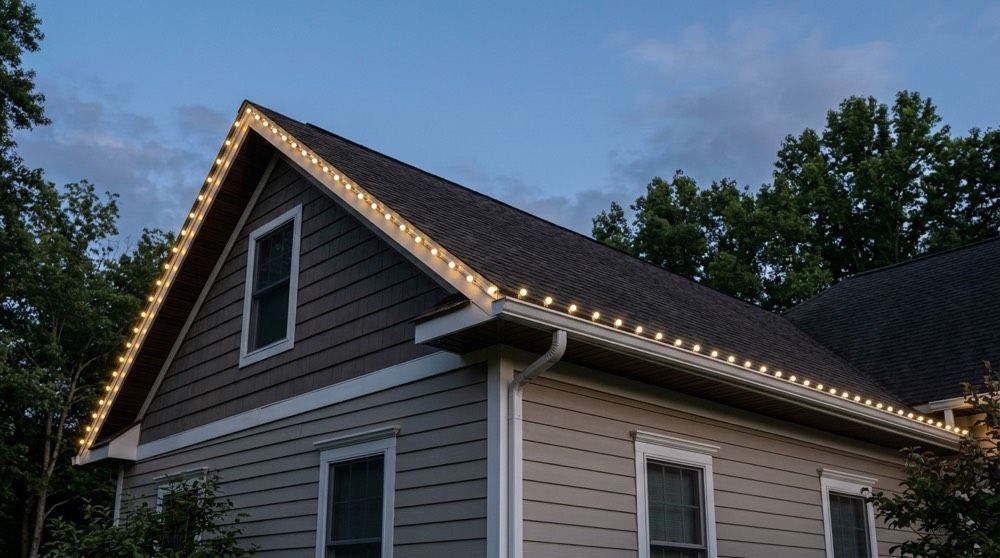
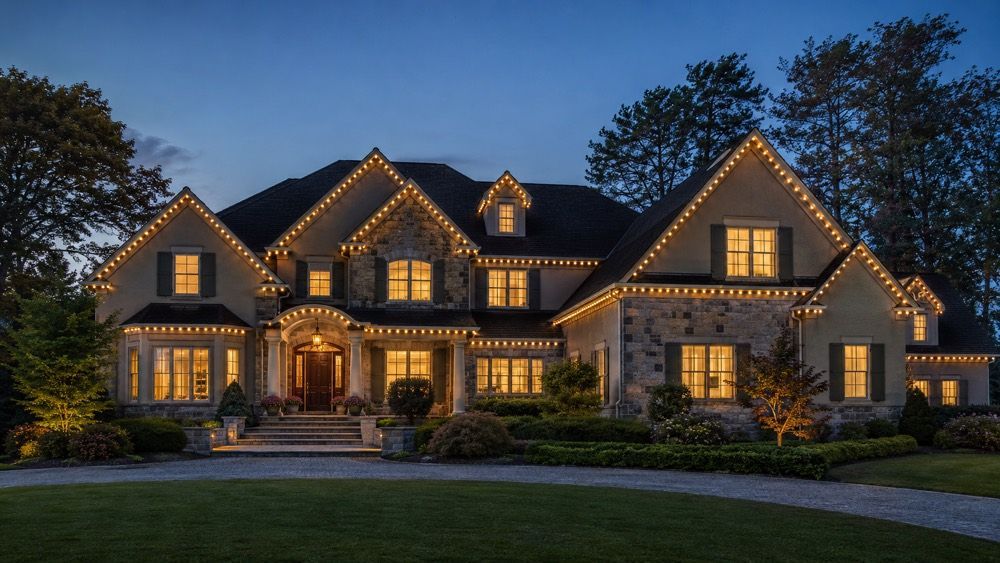
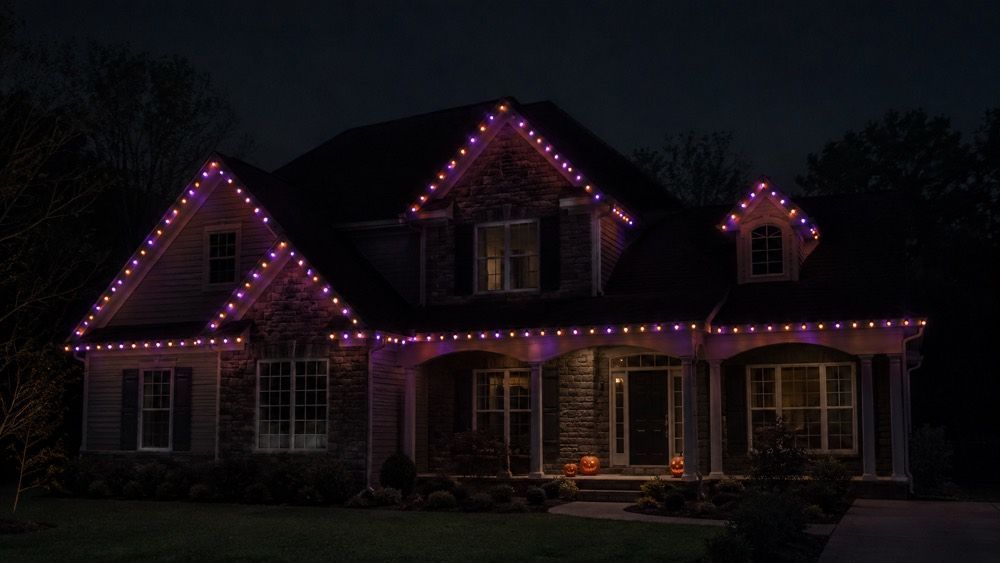
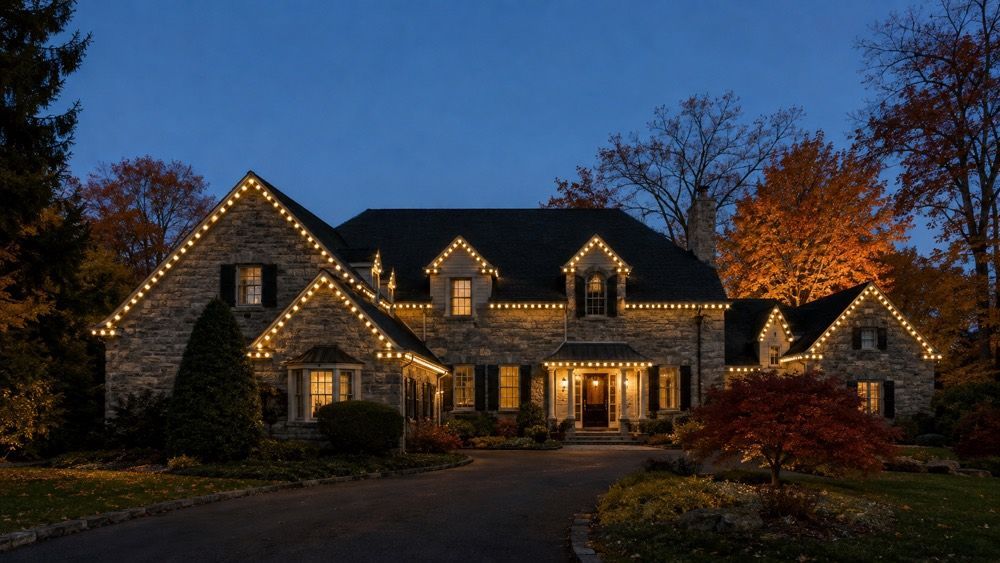
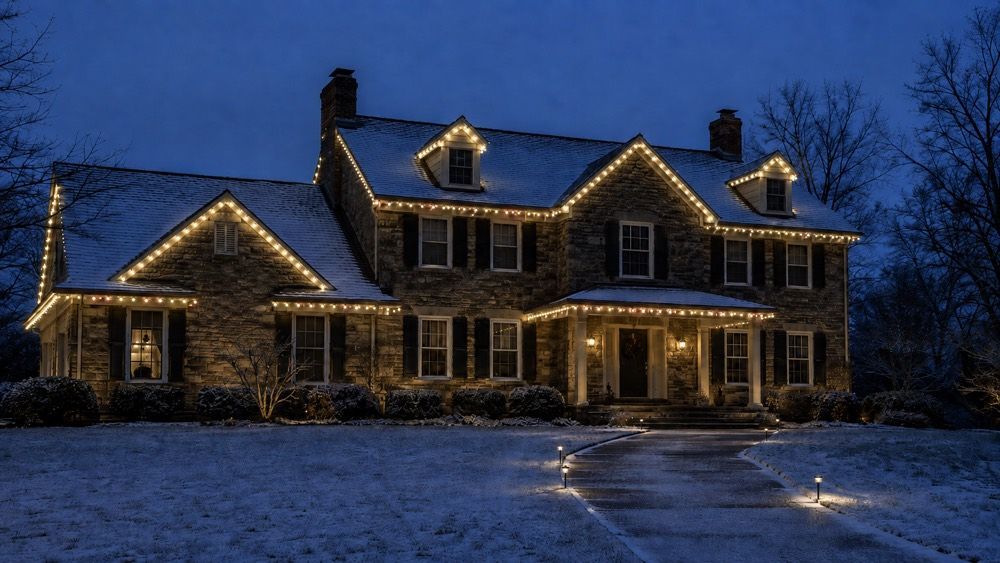
In a traditional installation, the lights are what they are: you bought warm white, so you have warm white. In a permanent system such as Celebright, the track holds individually controllable RGB LEDs, and a controller mounted near your electrical supply talks to them. When you choose a color, set a pattern, or dim the roofline, you are sending instructions to that controller. Because the intelligence sits in software, the same physical hardware that outlines your gables in subtle warm white on a Tuesday produces orange and purple for Halloween and red and green in December, with no ladder, no swap, and no additional product. The broader case for the hardware itself is covered in our complete guide to permanent outdoor lighting for Pennsylvania homes.
What Can You Actually Do From the App?
The app controls color, brightness, patterns, zones, schedules, and saved scenes, and it works from anywhere with a connection — not only when you are at home. Most homeowners find the day-to-day use settles into two or three taps.
Opening the app gives you a picker with a very wide color range — the Smart Roofline system offers well over a hundred — plus brightness control and a set of motion effects such as fades, chases, and slow transitions. You can apply a look to the whole roofline or to a defined zone. You can turn the system on and off manually, or hand that job to a schedule. And you can do all of it remotely, which matters more than it sounds: leaving the lights running on a sensible evening schedule while you are away is both a pleasant thing to come home to and a reasonable deterrent. Our Smart Roofline permanent outdoor lighting service page lays out the hardware and warranty side of the system.
Scenes Are the Feature That Makes the System Worth Using
A scene is a saved configuration — colors, pattern, brightness, zones — that you recall with a single tap. Scenes are what turn a capable system into one you actually use, because nobody rebuilds a color pattern from scratch twice.
Most households end up with a small, well-worn library. There is an everyday scene, usually a restrained warm white that reads as architectural lighting rather than decoration. There is a holiday set built up over the first year: red and green, orange and purple, red-white-and-blue, pastel spring colors, school colors for a game night. There is often a low-brightness late-evening scene. Building a scene takes a minute; recalling it takes a second. Because the library lives in the app rather than in anyone's memory, the system stays useful when the person who set it up is not home. Seasonal scene-building is where permanent systems earn their keep — our guide to permanent holiday lighting for Pennsylvania homes walks through the calendar in more depth.
Scheduling: Letting the Lighting Run Itself
Scheduling ties a scene to a time or to a sun event, so the roofline turns itself on at dusk and off at a set hour without anyone opening the app. Once schedules are configured, most owners interact with the system only when they want something different.
Sunset-based triggers are the useful ones. Rather than a fixed clock time that drifts badly across a Pennsylvania year — where sunset moves by more than three hours between June and December — the schedule follows actual dusk for your location. A typical setup runs the everyday scene from sunset until eleven, then either shuts off or drops to a dim overnight level. Holiday scenes get date ranges, so the Halloween look starts on October 1 and gives way to something else on November 1 without a reminder on anyone's calendar. Schedules and manual control coexist: tapping a different scene overrides the schedule for that evening, and the routine resumes the next day.
Can You Control the Lighting With Alexa or Google Home?
Yes — permanent roofline systems work with common voice assistants, so you can turn the lights on, off, or to a saved scene by speaking. Voice is a convenience layer on top of the app, not a replacement for it.
The practical division of labor is that you configure in the app and operate by voice. Building a twelve-color chase pattern by speaking would be tedious; saying “turn on the roofline lights” on the way through the front door is not. Once scenes are saved, most assistants can trigger them by name, which is why it is worth giving scenes plain, speakable names — “Halloween” rather than “Scene 4.” Voice control also opens the system to household members who have not installed the app, including guests and kids, and it is genuinely useful when your hands are full. Setup is a one-time pairing step, and your installer can walk through it during commissioning.
Zones: Lighting Different Parts of the House Differently
Zoning splits the installed run into independently controlled sections — front elevation, garage wing, rear roofline — so each can carry its own color, brightness, or schedule. It is defined during installation and refined in the app afterward.
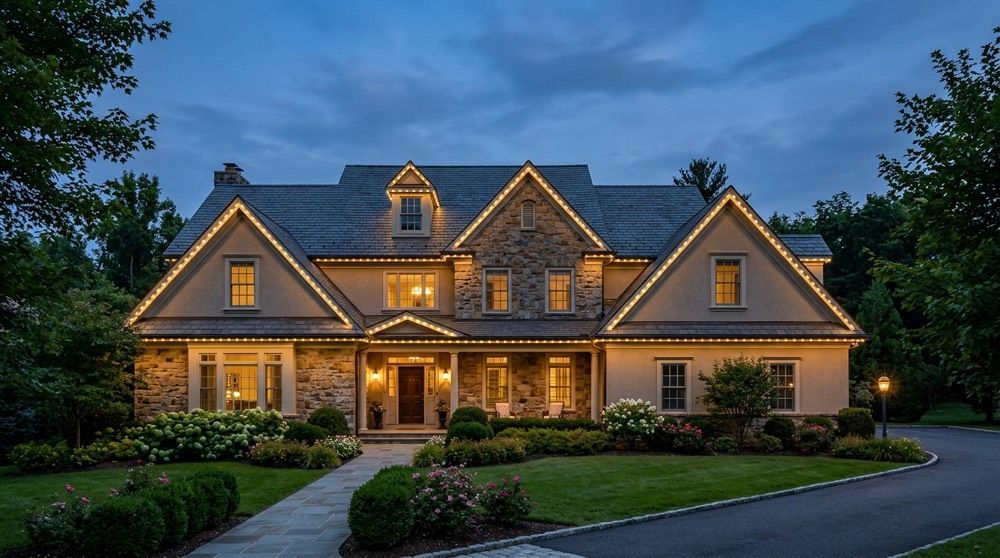
Zoning solves real problems rather than adding novelty. A front elevation facing the street may warrant full brightness while a rear roofline over bedroom windows is dimmed or left off. A detached garage might stay on a plain warm white while the main house runs holiday colors. On homes with complex rooflines, zoning also lets you emphasize the architecture that deserves emphasis — a dominant front gable, a dormer row — instead of lighting every linear foot identically. Discuss zoning before installation, because the controller and run layout are what make it possible; adding a zone later is more involved than changing a color.
What Happens If Your Wi-Fi or Power Goes Out?
If the internet drops, the controller keeps running its stored schedules and the lights continue behaving normally — you simply lose remote access until the connection returns. A power outage stops the lights, and they resume their schedule when power comes back.
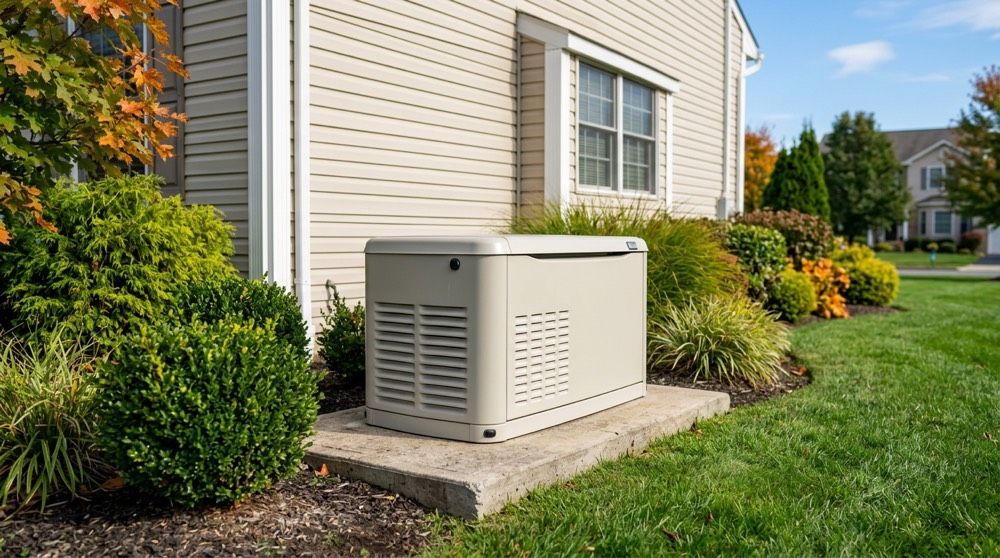
This is an important distinction, because people reasonably worry that a connected product becomes a brick when the network hiccups. Schedules and saved scenes live on the controller, not solely in the cloud, so a router reboot or a brief carrier outage does not leave your house dark on December 23. What you lose during an outage is the ability to change things from your phone while away from home; on the local network, control typically still works. When utility power fails, the lighting goes out along with everything else and returns with it — no reprogramming, no reset. Homes with standby generators simply keep running.
Access, Accounts, and Who Can Change the Lights
Control is tied to accounts on your home network, and access can be shared with other household members so more than one person can operate the system. Reasonable network hygiene is the main thing homeowners should attend to.
In practice this means the system should sit on your normal secured home Wi-Fi with a strong router password, and app accounts should use distinct passwords rather than a shared one written on the refrigerator. Sharing access with a spouse or an older child is straightforward and worth doing, because a lighting system only one person can operate reverts to being decorative. If you sell the home, the controller is handed over with the property and the accounts are transferred — ask your installer to include that step in the handover, the same way you would with a thermostat or a doorbell camera.
How It Fits Alongside the Rest of a Connected Home
Roofline lighting generally sits alongside your other smart devices as one more controllable item, reachable through the same voice assistant that runs your thermostat, locks, and interior lights. Deep cross-device automation varies by platform and is worth confirming for your specific setup.
The realistic expectation is that you will control the roofline through its own app for detailed configuration and through your assistant for everyday on, off, and scene commands. Some households go further and fold the exterior lights into a broader routine — an evening routine that dims interior lights and brings up the roofline, for instance. What that supports depends on your hub and assistant, so confirm the specifics rather than assuming. The operating cost of leaving it all running is modest: the U.S. Department of Energy notes that LEDs use at least 75 percent less energy and last up to 25 times longer than incandescent lighting. Households have already made that switch indoors — the U.S. Energy Information Administration found that 47 percent of U.S. households used LEDs for most or all of their indoor lighting in 2020, up from just 4 percent in 2015. We break the numbers down in how LED permanent lighting saves on bills.
Getting the Most From the System in Your First Month
The homeowners who are happiest with their system spend an hour in the first month building scenes and schedules, then largely leave it alone. The ones who never get past the default setting tend to feel they overpaid.
A sensible first month looks like this. Week one: find the everyday white you actually like, and set a sunset-to-eleven schedule for it. Week two: build three or four holiday scenes for the year ahead and name them in plain words. Week three: pair the voice assistant and share app access with everyone in the house who should have it. Week four: walk outside after dark and look at the house from the street, then adjust brightness — almost everyone starts too bright and settles lower. For a worked example of seasonal scene-building, our post on Halloween lighting ideas with permanent Smart Roofline systems shows how one holiday's scenes come together.
Frequently Asked Questions
Do the lights still work if my home Wi-Fi goes down?
Yes. Saved scenes and schedules are stored on the system’s controller, so the roofline keeps running its normal routine during an internet outage. What you temporarily lose is remote control from outside the house. Once the connection is restored, app access returns automatically with no reprogramming required.
Which voice assistants work with permanent roofline lighting?
Smart Roofline systems work with the common voice assistants, including Amazon Alexa and Google Assistant. Pairing is a one-time setup step that links your lighting account to the assistant. After that, you can trigger saved scenes by name. Confirm your specific assistant and app version with your installer during commissioning.
Can more than one person in the household control the lights?
Yes. App access can be shared with other members of the household, and anyone within earshot of a paired voice assistant can trigger saved scenes without the app at all. Sharing access is worth doing during setup, so the system does not depend on one person being home to change it.
Does a smart roofline system need a separate hub or extra equipment?
No separate smart-home hub is required. The system includes its own controller, installed near the power supply, which handles scenes, schedules, and communication with the LEDs. It connects to your existing home Wi-Fi. You do not need to buy a bridge, and it does not have to replace any hub you already own.
Ready to Put Your Roofline on Your Phone?
If you want exterior lighting you configure once and then simply use, the next step is a site visit to measure your roofline and plan the zones. As a veteran-owned, woman-owned, family-run electrical contractor and a Celebright Silver-certified installer, Merry Brothers installs, programs, and supports every system across Berks, Montgomery, and Bucks counties. Contact us to schedule a consultation.
By Matthew Merry, Merry Brothers Electrical Services. Matt is a U.S. Navy veteran, former Pennsylvania police officer, and co-owner of Merry Brothers Electrical Services, serving Berks, Montgomery, and Bucks counties.